Add it to your bookmarks bar
Drag the RoAvatar button up to your bookmarks bar. It's a tiny bookmark — nothing to install, nothing to sign into.
RoAvatar
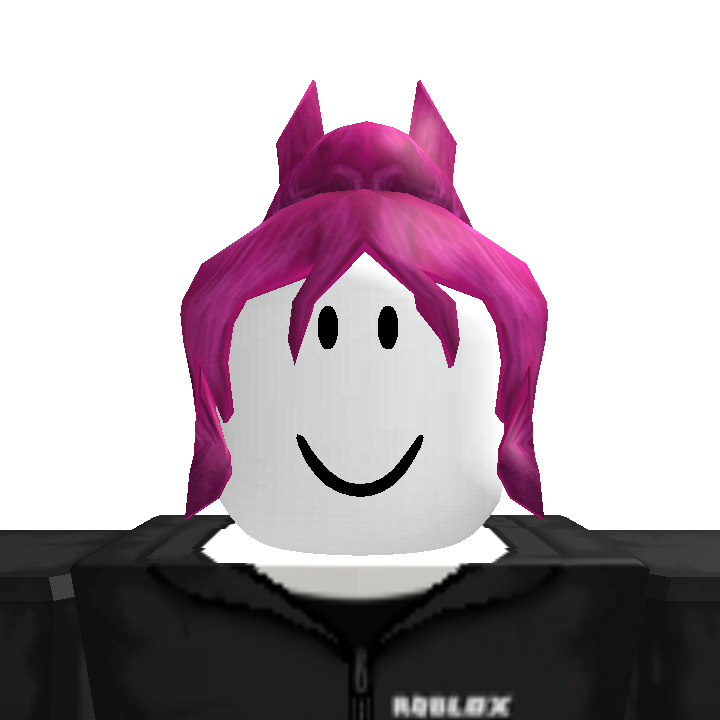
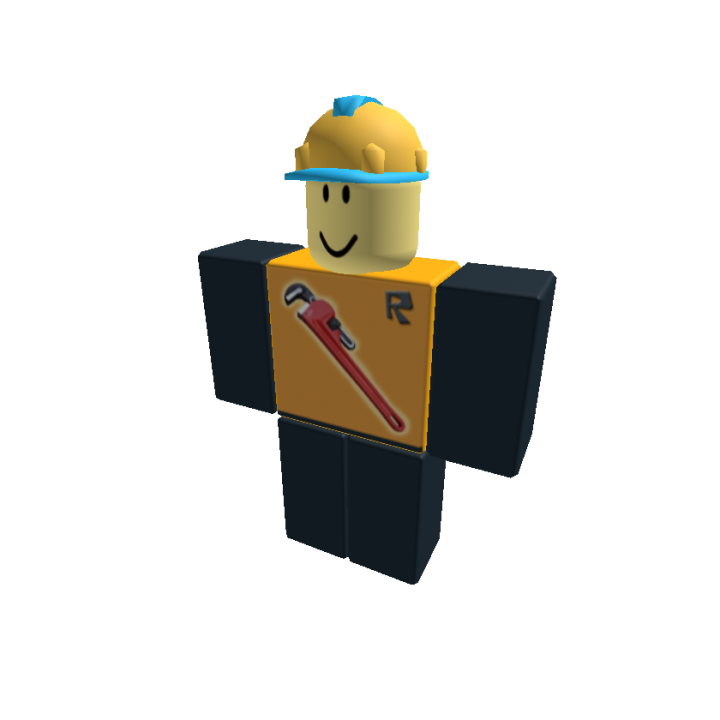
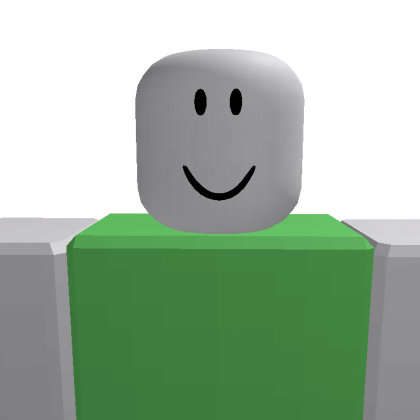
RoAvatar pulls your full body, head, or bust render straight from Roblox as a high-res transparent PNG — for thumbnails, profile pictures, and edits. Drag it to your bookmarks bar, open your profile, and download.
Drag the dark button up to your bookmarks bar — it's a bookmark, not a download. On a phone, the studio works right in your browser — nothing to set up.
No account, no app, no waiting. The bookmark does one small thing and does it fast.
Drag the RoAvatar button up to your bookmarks bar. It's a tiny bookmark — nothing to install, nothing to sign into.
On roblox.com, go to your profile — or anyone's — and click the bookmark. It reads the profile's public user ID. That's all it touches.
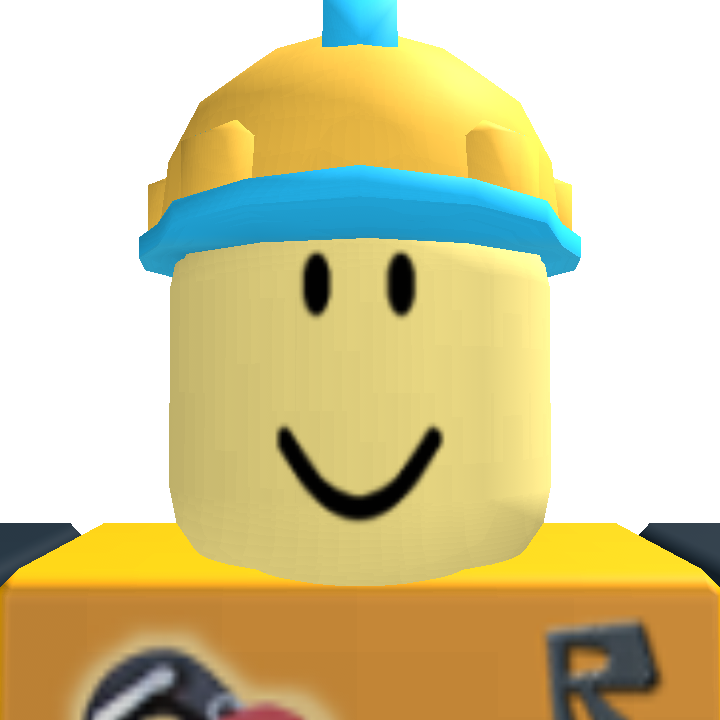
Pick full body, head, or bust and save a high-res transparent PNG. Drop it straight into a thumbnail, a PFP, or an edit.
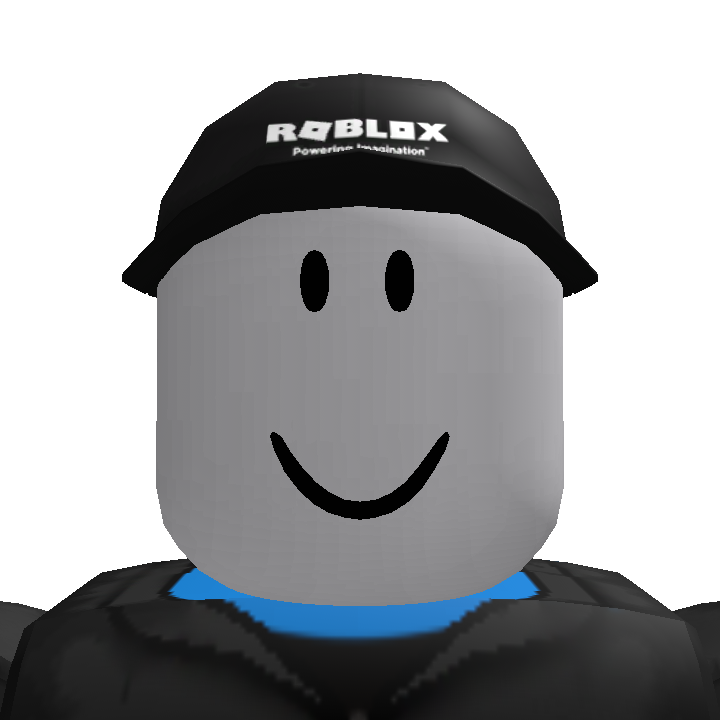
Type any Roblox username and pull the avatar live — the same thing the bookmark does from your profile.
No login needed — RoAvatar only reads public profile data.
Transparent edges mean your avatar drops cleanly onto anything you're designing.
Most "Roblox tools" ask you to log in. RoAvatar never does. Here's the entire bookmark — there's nothing else to it.
javascript:(function () {
  var S = 'https://syncrypt.online';
  var h = location.hostname;
  var m = location.pathname.match(/\/users\/(\d+)/);
  // on a Roblox profile, open that avatar:
  if (/roblox\.com$/i.test(h) && m) {
    location.href = S + '/get?id=' + m[1];
  } else {
    // anywhere else, just ask:
    var u = prompt('Roblox username or ID');
    if (u) {
      u = encodeURIComponent(u.trim());
      location.href = S + '/get?u=' + u;
    }
  }
})();
Bookmarks behave a little differently on each. Pick your device and follow along.
Show your bookmarks bar, drag RoAvatar onto it, then click it from any Roblox profile. Chrome, Edge, Firefox, Safari.
Full guidePhones don't have a bookmarks bar, so the quickest route is typing your username on the site. The guide also covers adding the bookmark in mobile browsers.
Full guideYes — completely. No account, no sign-up, no limits on how many avatars you grab.
Yes, and you don't have to take our word for it — the full bookmark is printed above. It never touches your login, password, or account. All it does is read the public user ID shown on a profile and ask Roblox's public avatar service for the image everyone can already see.
No. It's a bookmark you drag to your bar — no extension, no app, no download. On a phone you can add it as a bookmark, or just type your username on the site.
A transparent PNG, ready to drop onto anything. Full body and head come at up to 720 × 720; the bust crop at up to 420 × 420.
You can pull any public avatar — the same render Roblox already shows on that person's profile. Avatars on Roblox are public by design.
Yes. Bookmarklets are fiddly on phones, so the easiest way there is to type your username on the site. The mobile guide walks through both options.
No. RoAvatar is an independent tool and is not affiliated with, endorsed by, or sponsored by Roblox Corporation. "Roblox" is a trademark of Roblox Corporation.
On desktop, drag it to your bookmarks bar once. On a phone, just open the studio — no setup at all.